How to download videos from the Internet Archive (and check the rights first)
Key takeaways
- The Internet Archive (archive.org) hosts a large Movies collection, including the Prelinger Archives of ephemeral films, most of which are marked as public domain.
- Every item has a download page at archive.org/download/IDENTIFIER that lists all original and derived files, so no special tool is needed for a single film.
- The licenseurl metadata field tells you which licence the uploader declared; an empty field means you must check the rights yourself.
- For bulk work, the official internetarchive Python package (command ia, AGPL-3.0) can search, list formats and download whole collections.
- The Archive does not guarantee the rights status of uploads, so the uploader's declaration is a starting point, not proof.
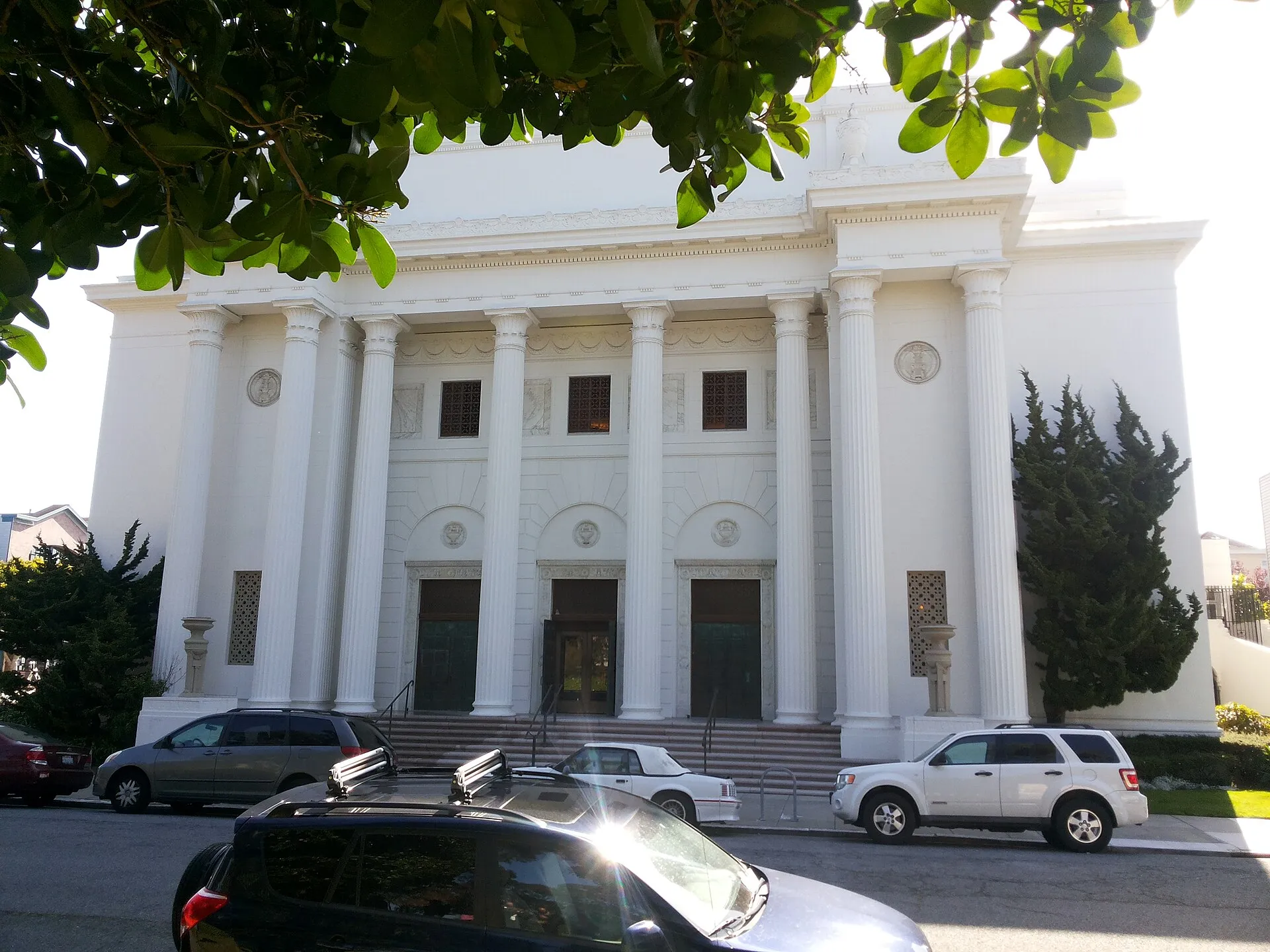

You can download most videos from the Internet Archive directly from each item’s download page, or in bulk with the official ia command-line tool. The hard part is not the download: it is knowing whether you may reuse what you downloaded. This guide covers both, starting with where the good material is and how to read the rights fields before you hit download.
The Internet Archive is a US non-profit digital library. Its Movies section mixes very different things: public-domain educational films, home movies, conference recordings, TV news clips and uploads whose rights are doubtful. Treat it as a library with self-service shelves, not as a curated catalogue of cleared footage.
Where are the public-domain videos on archive.org?
A few collections concentrate material that is consistently marked as reusable:
| Collection | What it contains | Typical rights marking |
|---|---|---|
Prelinger Archives (prelinger) |
Advertising, educational, industrial and amateur films from the 20th century | Public-domain licence URL in metadata |
Feature Films (feature_films) |
Older features whose copyright has expired or was not renewed | Varies, check each item |
| Community Video | Uploads by users | Anything from CC0 to “all rights reserved” |
Item counts per collection, from the Advanced Search API (collection:ID AND mediatype:movies) in November 2026:
| Collection identifier | Title on archive.org | Movie items |
|---|---|---|
prelinger |
Prelinger Archives | About 10,600 |
ephemera |
Ephemeral Films | About 21,500 |
feature_films |
Feature Films | About 29,600 |
moviesandfilms |
Movies | About 113,500 |
classic_cartoons |
Film Chest Vintage Cartoons | 81 |
Across the whole site, about 455,000 movie items had a licenseurl containing “publicdomain”. That is a useful filter (licenseurl:*publicdomain*) but not a guarantee: the field is filled in by the uploader. Bigger collections are not better for reuse; the small, curated ones such as Prelinger are where the rights marking is most consistent.
When we queried the Prelinger collection through the Advanced Search API in November 2026, it held more than 10,000 movie items, and the first results all carried http://creativecommons.org/licenses/publicdomain/ in their licenseurl field. That is the kind of signal you want before reusing footage. For the legal background, read our public-domain film checklist.
How do I check the licence of an archive.org video?
Every item has a JSON metadata record at https://archive.org/metadata/IDENTIFIER. The identifier is the last part of the item URL (archive.org/details/IDENTIFIER). Look at three fields:
licenseurl: the licence declared by the uploader, often a Creative Commons URL or a public-domain mark.rights(when present): a free-text rights statement.descriptionanddate: the production year and origin, which you need to check expiry yourself.
curl -s https://archive.org/metadata/IDENTIFIER | jq '.metadata.licenseurl'If licenseurl is missing, nothing has been declared. That does not mean the film is protected, and it does not mean it is free either. The Archive’s Terms of Use make users responsible for how they use the material, so keep a note of what you checked and when. Our page on Creative Commons video licences explains what each CC URL allows.
How do I download a single video without any tool?
Open https://archive.org/download/IDENTIFIER. You get a plain directory listing of every file in the item:
- the original upload (often MPEG-2, MOV, AVI or a high-bitrate MP4);
- derivatives created by the Archive, such as an
.mp4for web playback, an.ogvand thumbnails; - metadata files (
_meta.xml,_files.xml).
For archiving or editing, take the original. For watching on a phone, the derived MP4 is enough. If the original is in an old container, our guide to MP4, MKV and WebM containers explains how to remux it without loss using FFmpeg.
How do I search the Archive with the Advanced Search API?
The Advanced Search endpoint returns JSON and accepts Lucene-style queries. This request returns the identifier and licence of the first three Prelinger movies:
curl -s "https://archive.org/advancedsearch.php?q=collection%3Aprelinger+AND+mediatype%3Amovies&fl%5B%5D=identifier&fl%5B%5D=licenseurl&rows=3&output=json"qis the query (collection:prelinger AND mediatype:movies, URL-encoded).fl[]lists the fields you want back.rowslimits the number of results;output=jsonsets the format.
The response contains numFound (total matches) and a docs array. You can add conditions such as AND year:[1930 TO 1950] or AND licenseurl:*publicdomain* to narrow the set before downloading anything.
How do I bulk-download with the ia command-line tool?
The Internet Archive maintains an open-source Python package, internetarchive, which installs the ia command. It is published on PyPI and licensed under AGPL-3.0.
pip install internetarchive
ia metadata TripDown1905 | jq '.metadata.date'
ia metadata --formats TripDown1905
ia metadata --formats lists the formats available in an item, which tells you what to filter on. Then download:
# only the MP4 files of one item
ia download TripDown1905 --glob="*.mp4"

# MP4 files, but skip the low-bitrate derivative
ia download TripDown1905 --glob="*.mp4" --exclude "*512kb*"

# one named derivative format
ia download TripDown1905 --format='512Kb MPEG4'
The official documentation notes that --format cannot be combined with --glob or --exclude: pick one filtering method per command.
For a whole collection, build an item list first, check it, then download from it:
ia search 'collection:prelinger AND year:1955' --itemlist > itemlist.txt
wc -l itemlist.txt
ia download --itemlist itemlist.txt --glob="*.mp4"
Building the list separately lets you review the size of the job, remove items whose rights look doubtful and resume later. Expect large volumes: a single feature film original can weigh several gigabytes.
Can yt-dlp download from archive.org?
Yes, yt-dlp includes an extractor for archive.org pages, which is convenient if you already use it for other sources and want the same naming templates. For bulk work on the Archive itself, ia is the better choice because it talks to the official API, knows about original files and supports item lists natively.
What should I check before reusing a film from the Archive?
A short checklist that avoids most problems:
- Licence field. Is
licenseurlset, and to what? - Date and country. Does the production date make the film public domain where you will publish it? US and EU rules differ, see the public-domain checklist.
- Music and third-party footage. Old films often include commercial music or newsreel clips with their own rights.
- People and trademarks. Publicity rights and trademarks are separate from copyright.
- Record your evidence. Save the metadata JSON next to the file, with the date you downloaded it.
curl -s https://archive.org/metadata/IDENTIFIER -o IDENTIFIER.metadata.jsonKeeping that JSON is free insurance: if the item later disappears or its metadata changes, you can show what was declared when you downloaded it.
Other open archives worth combining with archive.org
The Internet Archive is broad but uneven. For footage with clearer rights, combine it with the NASA Image and Video Library, Wikimedia Commons videos, whose files all carry a verified free licence, and the US National Archives and Library of Congress, which hold the originals of many films that circulate on archive.org.
Open-source tools in this guide
| Tool | Licence |
|---|---|
| internetarchive (ia CLI) | AGPL-3.0 |
| yt-dlp | Unlicense (public domain) |
Frequently asked questions
Is everything on the Internet Archive free to download and reuse?
No. Items are uploaded by many institutions and individuals, and the Archive does not verify every rights claim. Check the licenseurl field and the description of each item, and confirm the public-domain status yourself before republishing a film.
Do I need an account to download from archive.org?
Not for public items. Download pages and the metadata API work without logging in. The ia command only needs your credentials (ia configure) for uploading or for items restricted to logged-in users.
Which file should I pick: the original or the derivative MP4?
For archiving, take the original file uploaded by the contributor, often MPEG-2, MOV or a high-bitrate MP4. The Archive also creates derivatives such as 512Kb MPEG4 for streaming, which are smaller but lower quality.
Are Prelinger Archives films really public domain?
The items in the Prelinger collection are marked with a public-domain licence URL in their metadata. That declaration comes from the collection, and the soundtrack or later restorations can carry separate rights, so check sensitive uses with our public-domain checklist.
Can I download a whole collection at once?
Yes. ia download --search 'collection:NAME' downloads every item of a collection. Start with a narrow query and a file filter such as --glob='*.mp4', because collections can contain thousands of items and terabytes of data.
Sources and open data
- The internetarchive command-line tool · Internet Archive
- Metadata read API · Internet Archive
- Advanced Search · Internet Archive
- Prelinger Archives collection · Internet Archive
- Terms of Use · Internet Archive
- internetarchive on PyPI · Python Package Index
Related guides
- Public-domain film checklist
Check whether an old film is public domain: the US 95-year rule (1930 and earlier in 2026), renewals, EU life+70 for films, French rules and common pitfalls.
- NASA video library
Download NASA videos from images.nasa.gov: search the free API without a key, get the original MP4 and captions, and respect NASA's media usage rules.
- Wikimedia Commons videos
How to find and download free videos on Wikimedia Commons, read the licence and author through the API, and credit CC BY and CC BY-SA files correctly.
- MP4 vs MKV vs WebM
Container or codec? What MP4, MKV, WebM and MPEG-TS can hold, which one to keep for a downloaded video, and how to switch containers without quality loss.
- Creative Commons for video
The six Creative Commons licences, CC0 and the Public Domain Mark applied to video: what you may download, edit and publish, and how to credit correctly.