Creative Commons licences for video: what you can download, edit and share
Key takeaways
- Every Creative Commons licence allows anyone to download, copy and redistribute the work for free, as long as the licence conditions are respected.
- There are six licences built from four conditions: BY (attribution), SA (share alike), NC (non-commercial) and ND (no derivatives).
- CC0 is not a licence but a waiver that places a work as close as possible to the public domain; the Public Domain Mark labels works already free of known copyright.
- A correct credit follows the TASL rule: Title, Author, Source and Licence, each linked where possible.
- Version 4.0 licences explicitly allow technical changes needed to use the work, including circumventing technological measures to exercise the licensed rights.
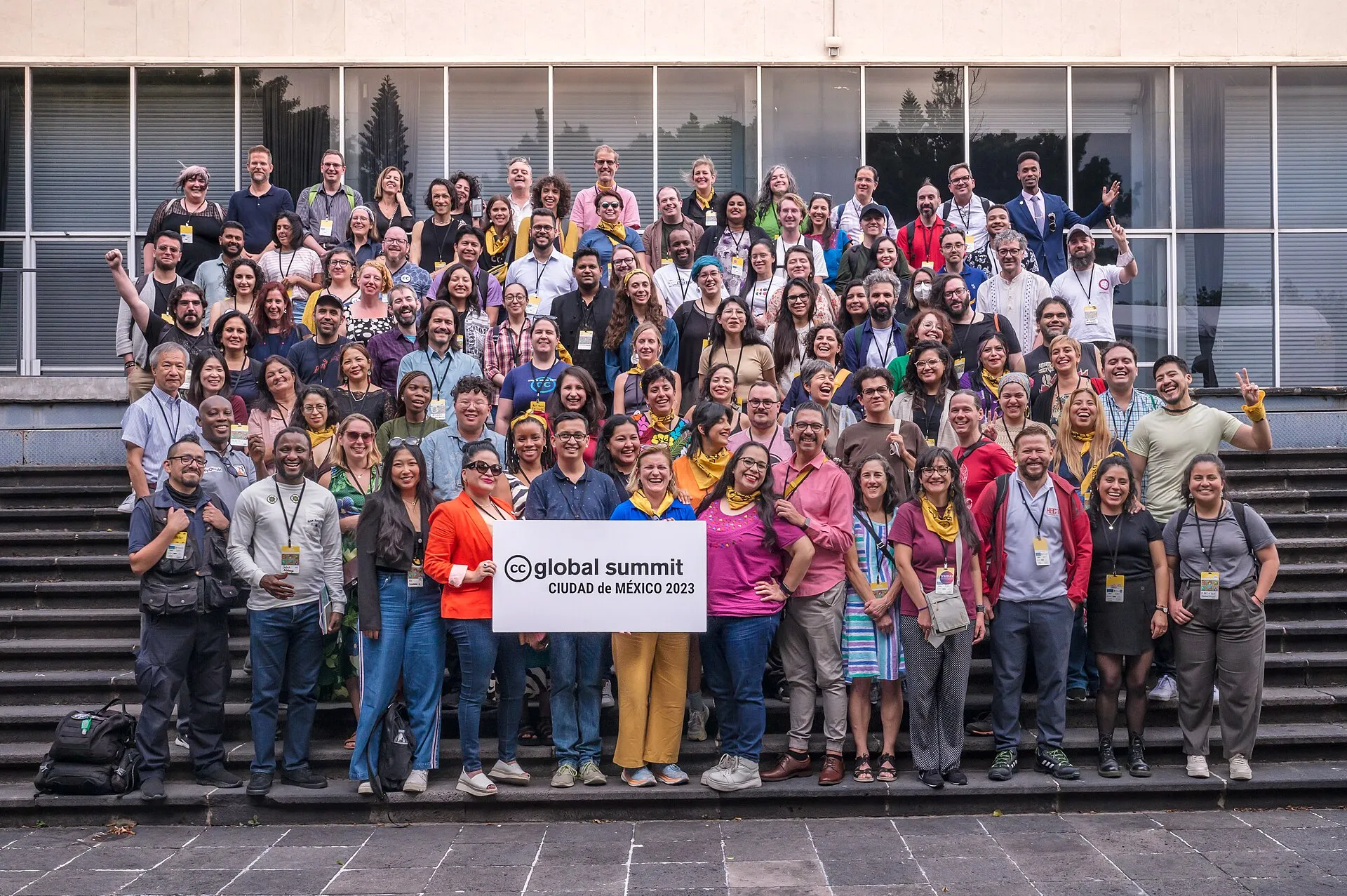

Every Creative Commons licence allows anyone to download, copy and share the work without asking, provided the licence conditions are followed. The conditions decide what else you may do: attribution is always required (except under CC0), and some licences forbid commercial use, changes, or require adaptations to use the same licence. For video creators and editors, Creative Commons is the simplest legal route to reusable footage.
General information, not legal advice. The legal code of each licence is the authoritative text.
The four building blocks
| Condition | Short name | What it requires |
|---|---|---|
| Attribution | BY | Credit the creator, link the licence, indicate changes |
| ShareAlike | SA | Adaptations you share must use the same or a compatible licence |
| NonCommercial | NC | No use primarily intended for commercial advantage or payment |
| NoDerivatives | ND | You may share only the unchanged work, not adaptations |
The six licences and what they mean for video
| Licence | Download and share | Edit and publish | Commercial use |
|---|---|---|---|
| CC BY | Yes | Yes | Yes |
| CC BY-SA | Yes | Yes, under the same licence | Yes |
| CC BY-NC | Yes | Yes | No |
| CC BY-NC-SA | Yes | Yes, under the same licence | No |
| CC BY-ND | Yes | No (unchanged copies only) | Yes |
| CC BY-NC-ND | Yes | No | No |
Two public-domain tools complete the family:
- CC0 is a waiver: the creator gives up copyright as far as the law allows. No attribution is legally required, although it is good practice.
- The Public Domain Mark labels a work already known to be free of copyright, such as an old film whose term has expired. Our public-domain film checklist explains how to verify that status.
How do I credit a Creative Commons video?
Creative Commons recommends the TASL rule: Title, Author, Source, Licence. For example:
“Sintel” by Blender Foundation, from durian.blender.org, licensed under CC BY 3.0.
In a video, put the credit in the end titles or on screen when the clip appears, and repeat it in the description with links. If you modified the clip, say so (“cropped”, “subtitled”, “colour-graded”). For CC BY-SA material, add the licence of your adapted version.
Good and weak credits compared
| Credit | Verdict | What is missing or right |
|---|---|---|
| “Video: Creative Commons” | Weak | No title, no author, no licence version, no link |
| “Footage by Jane Doe” | Weak | No source and no licence |
| “Harbour at dawn” by Jane Doe, via Wikimedia Commons, CC BY-SA 4.0 | Good | Title, author, source and licence all present |
| “Harbour at dawn” by Jane Doe (CC BY 4.0), cropped and subtitled from the original | Good for an adaptation | States the changes as the licence requires |
The names above are illustrative. When a file page offers a ready-made attribution line, as Wikimedia Commons does, copy it and add links: it usually reflects what the author asked for.
Can I combine clips under different licences?
When you edit several Creative Commons clips into one new video, the licences of the sources decide which licence your adaptation may use. The table below applies to adaptations you share; copying the clips unchanged for yourself is always allowed.
| Source licence | Licences allowed for your adaptation |
|---|---|
| CC0 or public domain | Any licence, or none |
| CC BY | Any licence, as long as the original is credited |
| CC BY-SA | CC BY-SA (same or later version) or a licence Creative Commons has declared compatible |
| CC BY-NC | Any NC licence: BY-NC, BY-NC-SA or BY-NC-ND |
| CC BY-NC-SA | CC BY-NC-SA only |
| CC BY-ND or CC BY-NC-ND | None: adaptations may not be shared |
Two combinations cause most problems in practice:
- BY-SA plus BY-NC-SA. Each requires the adaptation to use its own licence, so the two cannot be merged into one shared video.
- Anything plus ND. A clip under a NoDerivatives licence cannot be cut into a new edit that you publish. You may still show it unchanged and separately, with credit, where the licence allows.
If you are unsure, the safest material for remixing is CC0, CC BY or public domain.
What counts as an adaptation in video?
Under the 4.0 legal code, an adaptation is material in which the licensed work is translated, altered, arranged or transformed in a way that requires permission under copyright. For video, edits, translations, remixes and re-cuts are adaptations. The licence also states that synchronising music with a moving image creates an adaptation.
Technical operations are different. The 4.0 licences grant the right to make technical modifications needed to exercise the licensed rights in all media and formats. Converting a file, changing its container or re-encoding it to a different codec is therefore allowed even under ND.
Do the licences allow circumventing technical protection?
Version 4.0 goes further than most people expect: the licensor waives any right to forbid technical modifications necessary to exercise the licensed rights, “including technical modifications necessary to circumvent Effective Technological Measures”. In practice, CC content is rarely encrypted; the clause mainly guarantees that format changes and archiving are always possible.
Where to find Creative Commons videos
- Wikimedia Commons only accepts free licences (no NC or ND), so every video there can be reused commercially with attribution.
- Internet Archive shows the licence on each item page, when the uploader specified one.
- YouTube lets creators choose “Creative Commons - Attribution” (CC BY) at upload, and the search filters include a Creative Commons option (YouTube Help).
- Vimeo lets creators pick any of the six CC licences on a video’s settings.
Always check the licence on the original page rather than trusting a third-party aggregator.
Licence traps to avoid
- The licence covers the uploader’s rights only. If someone uploaded a film they do not own and labelled it CC BY, the licence is worthless. Prefer institutional sources.
- Music inside the video may belong to someone else and be licensed separately.
- People appearing on screen keep image and privacy rights that a copyright licence does not cover.
- Trademarks and logos are not licensed by CC.
- Old versions: some legal details differ in versions 2.0 and 3.0; check the version number.
Public-domain art and new photographs in the EU
Article 14 of Directive (EU) 2019/790 states that when the term of protection of a work of visual art has expired, material resulting from an act of reproduction of that work is not protected, unless it is itself original. A faithful digitisation of a public-domain painting therefore cannot be locked under a new copyright in the EU.
For a broader view of when downloads are lawful, see is downloading videos legal?.
Frequently asked questions
Can I download a Creative Commons video?
Yes. All six Creative Commons licences allow copying and redistribution. Check that the licence really applies to the video you download, keep a record of it, and follow its conditions when you reuse the file.
Can I use a CC BY-NC video on a monetised YouTube channel?
Generally no. NC prohibits use primarily intended for commercial advantage or monetary compensation, and a monetised channel usually falls into that category. Ask the creator for permission or choose a video under CC BY, CC BY-SA or CC0.
Can I add subtitles to a CC BY-ND video?
You can watch it with separate subtitles, but publishing a modified version, such as a translated or re-edited video, creates an adaptation, which ND forbids you to share. Contact the author for permission.
What is the difference between CC0 and public domain?
Public domain means copyright has expired or never existed. CC0 is a tool by which a rights holder waives their rights as far as the law allows, with a fallback licence where waivers are not recognised. In practice both allow unrestricted reuse.
Can a Creative Commons licence be withdrawn?
No. CC licences are irrevocable for the copies already distributed under them. The creator can stop offering the work, but anyone who obtained it under the licence can keep using it on those terms.
Sources and open data
- About CC Licenses · Creative Commons
- Attribution 4.0 International legal code · Creative Commons
- CC0 1.0 Universal · Creative Commons
- Recommended practices for attribution · Creative Commons Wiki
- Creative Commons on YouTube · YouTube Help
- Directive (EU) 2019/790, Article 14 (works of visual art in the public domain) · EUR-Lex
Related guides
- Wikimedia Commons videos
How to find and download free videos on Wikimedia Commons, read the licence and author through the API, and credit CC BY and CC BY-SA files correctly.
- Is downloading legal?
When downloading a video is lawful and when it is not: copyright, fair use, private copy, platform terms and DRM, with the primary legal texts.
- Public-domain film checklist
Check whether an old film is public domain: the US 95-year rule (1930 and earlier in 2026), renewals, EU life+70 for films, French rules and common pitfalls.
- Internet Archive
How to download videos from the Internet Archive legally: find public-domain films, read the licence field, and bulk-download with the official ia CLI.
- Private copy exception
What the EU private copy exception allows for video, the lawful-source rule from ACI Adam, levies on devices, DRM limits and the UK situation.