NASA Image and Video Library: how to download free space footage
Key takeaways
- NASA publishes its official imagery and video at images.nasa.gov, backed by a public API at images-api.nasa.gov that requires no API key.
- NASA material is generally not subject to copyright in the United States, but the NASA insignia and logotype are protected and NASA must not appear to endorse a product.
- Each video has an asset manifest listing an original MP4 (~orig.mp4), lighter versions and, often, an SRT caption file.
- Third-party material in the library keeps its own copyright, so read the credit and description before reuse.
- A three-step workflow covers bulk downloads: search by keyword and year, read each asset manifest, then fetch the ~orig.mp4 file.
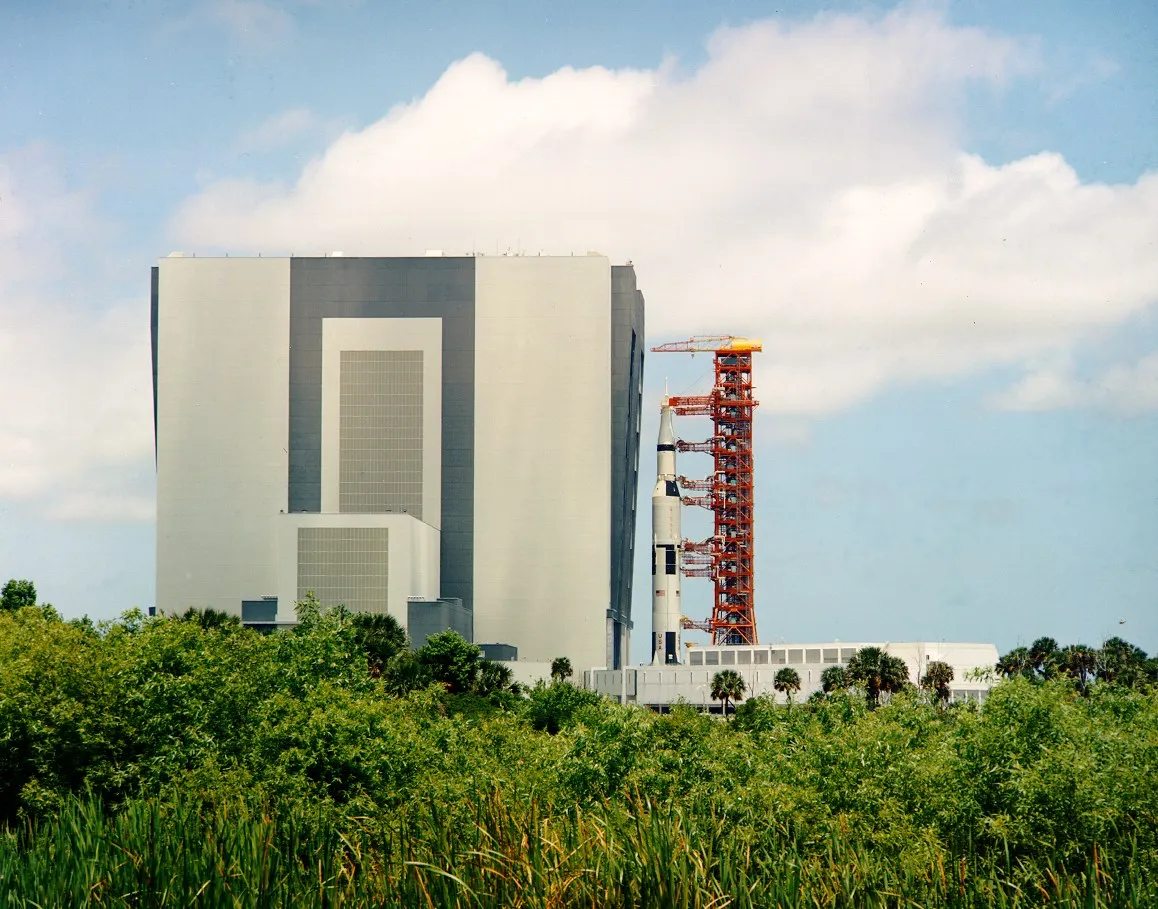

NASA’s official video archive lives at images.nasa.gov, and everything in it can be found and downloaded through a free, keyless API at images-api.nasa.gov. Most of the footage is not protected by copyright in the United States, which makes it one of the richest sources of reusable video on the web: launches, spacewalks, mission animations, telescope visualisations and decades of historical film.
This guide explains how to search the library, how to pick the best file, and which usage rules still apply even though the footage is free.
What is the NASA Image and Video Library?
The NASA Image and Video Library gathers images, videos and audio from NASA’s centres in one searchable catalogue. Each item has a nasa_id, a title, a description, a creation date, keywords and the NASA centre that produced it. Videos range from short raw clips to finished productions with captions.
| What you need | Where |
|---|---|
| Browse and watch | https://images.nasa.gov/ |
| Search API | https://images-api.nasa.gov/search |
| Files of one item | https://images-api.nasa.gov/asset/NASA_ID |
| Full metadata | https://images-api.nasa.gov/metadata/NASA_ID |
| Captions | https://images-api.nasa.gov/captions/NASA_ID |
Are NASA videos really free to use?
Under US law, works created by federal government employees as part of their duties are not protected by copyright (see the US Copyright Office’s Copyright Basics). NASA’s own usage guidelines say its material is “generally not subject to copyright in the United States” and may be used for educational or informational purposes, with NASA acknowledged as the source.
The same guidelines set limits that matter in practice:
- Logos are protected. The NASA insignia (the “meatball”), logotype and identifiers are not in the public domain.
- No implied endorsement. Your use must not explicitly or implicitly suggest NASA endorses a product or service.
- Third-party content. Some items were produced by contractors, universities or other agencies and are marked with the copyright holder’s name. NASA’s permission does not extend to those; contact the holder.
- People. Commercial use of identifiable people, including astronauts, may require their permission.
For a wider view of reuse rules, see our page on whether downloading videos is legal.
How do I search NASA videos with the API?
The search endpoint takes a free-text query and filters. This request asks for Apollo 11 videos created in 1969:
curl -s "https://images-api.nasa.gov/search?q=apollo%2011&media_type=video&year_start=1969&year_end=1969&page_size=10"q: keywords, searched across title, description and keywords;media_type:video,imageoraudio;year_start/year_end: limit by creation year;page_sizeandpage: paginate through results.
The answer follows the Collection+JSON format. Each entry in collection.items has a data array (title, nasa_id, date_created, center, description, keywords) and an href pointing to the item’s file list. To print just the IDs and titles:
curl -s "https://images-api.nasa.gov/search?q=apollo%2011&media_type=video&page_size=10" \
  | jq -r '.collection.items[].data[0] | "\(.nasa_id)\t\(.title)"'
Which file should I download?
Ask the asset endpoint for the list of files of one item:
curl -s "https://images-api.nasa.gov/asset/Apollo%2011%20Overview" | jq -r '.collection.items[].href'For a typical video (we checked several in November 2026) you will see:
| File name ends with | What it is | Use it for |
|---|---|---|
~orig.mp4 |
The original upload | Editing, archiving |
~large.mp4, ~medium.mp4, ~small.mp4 |
Re-encodes at decreasing sizes | Web publishing, quick sharing |
~mobile.mp4 |
Encode for phones | Slow connections |
~preview.mp4 |
Short or low-resolution preview | Quick checks |
~thumb_N.jpg, ~small_N.jpg, ~medium_N.jpg, ~large_N.jpg |
Still frames at several sizes | Catalogues, posters |
.srt |
Captions, when the item has them | Accessibility, search, translation |
metadata.json |
Full technical and descriptive metadata | Credits, provenance |
Not every item has every variant: older uploads may only have an original and a few thumbnails, and many have no captions. Script against the suffixes you need and handle their absence.
Always prefer ~orig.mp4 for anything you will edit or keep long term. Note that the paths contain spaces in some items: quote URLs or let curl handle encoded %20 spaces. If the original is in a format your editor dislikes, our guide on FFmpeg for downloaded video shows how to remux it without loss.
How do I get the captions and full metadata?
The captions and metadata endpoints do not return the data itself: they return a JSON object with a location field pointing to the file.
curl -s "https://images-api.nasa.gov/captions/Apollo%2011%20Overview"
# {"location":"https://images-assets.nasa.gov/video/Apollo 11 Overview/Apollo 11 Overview.srt"}

curl -s "https://images-api.nasa.gov/metadata/Apollo%2011%20Overview"
# {"location":"https://images-assets.nasa.gov/video/Apollo 11 Overview/metadata.json"}
Download both and keep them with the video: the metadata file records the credit and description you may need later to justify reuse, and the SRT gives you searchable text. Our subtitles guide explains how to embed an SRT file into an MP4 or MKV.
How do I bulk-download a set of NASA videos?
A minimal shell workflow: search, extract IDs, fetch each original.
# 1. collect IDs for a query
curl -s "https://images-api.nasa.gov/search?q=artemis&media_type=video&page_size=50" \
  | jq -r '.collection.items[].data[0].nasa_id' > ids.txt

# 2. for each ID, find the ~orig.mp4 and download it
while read -r id; do
  url=$(curl -s "https://images-api.nasa.gov/asset/$(jq -rn --arg v "$id" '$v|@uri')" \
        | jq -r '.collection.items[].href | select(endswith("~orig.mp4"))')
  [ -n "$url" ] && curl -L --create-dirs -o "nasa/$id.mp4" "${url// /%20}"
  sleep 1
done < ids.txt
The sleep 1 keeps the load reasonable; there is no published request quota for this API, so be conservative. Originals can be large (several gigabytes for long productions), so test on a handful of IDs first.
To size a job before running it, read collection.metadata.total_hits from the search response. In November 2026 a search with media_type=video and no keyword reported about 8,900 videos in total, and q=apollo 11 returned 71. Searches are paginated with the page parameter, so loop until a page returns fewer items than page_size.
Common pitfalls in bulk jobs:
- Spaces in IDs and paths. Many NASA IDs contain spaces. URL-encode them for the API (
jq '@uri') and replace them with%20in asset URLs, as in the script above. - Mixing variants. If a script grabs the first
.mp4instead of~orig.mp4, you silently end up with a small re-encode. - Losing the metadata. Fetch
metadata.jsonin the same loop; reconstructing credits for hundreds of files afterwards is tedious. - Non-NASA material. Filter or flag items whose description credits a partner agency, a university or a news organisation, and review them before reuse.
What should I credit, and how?
NASA asks to be acknowledged as the source. A credit such as “Video: NASA” works for most items. When the metadata names a centre or a partner (for example “NASA/JPL-Caltech” or “NASA/ESA”), reproduce that credit exactly, because the partner may hold its own rights in non-US contexts. Do not place the NASA logo next to your own branding in a way that suggests a partnership.
Where else can I find space and government footage?
Historical NASA films are also preserved by the US National Archives, often in higher-quality scans, and many NASA clips are mirrored on Wikimedia Commons with verified licence tags. For general public-domain cinema, start with the Internet Archive.
Open-source tools in this guide
Frequently asked questions
Can I use NASA videos for free?
In most cases, yes. NASA states that its material is generally not subject to copyright in the United States and may be used for educational or informational purposes, with NASA acknowledged as the source. Restrictions apply to logos, implied endorsement and third-party content.
Do I need an API key for images-api.nasa.gov?
No. The NASA Image and Video Library API answers public requests without a key. The separate api.nasa.gov portal, which serves other datasets, uses keys, so do not confuse the two.
Can I use NASA footage in a commercial video?
Often, but carefully. NASA's guidelines say the material must not explicitly or implicitly convey NASA's endorsement of commercial goods or services, and clearances may be needed when NASA logos appear. Identifiable people, including astronauts, may require permission for commercial use.
Where are the subtitles for NASA videos?
Many videos include an SRT caption file. Call https://images-api.nasa.gov/captions/NASA_ID: the response gives the location of the .srt file, which you can download alongside the video.
Are NASA videos copyright-free outside the United States?
The US public-domain status of federal works is a rule of US law. In practice NASA material is widely reused worldwide, but if you publish commercially outside the US, follow NASA's guidelines and credit the source to stay on safe ground.
Sources and open data
- NASA Image and Video Library · NASA
- images.nasa.gov API documentation (PDF) · NASA
- NASA Images and Media Usage Guidelines · NASA
- Copyright Basics, Circular 1 (works of the US government) · US Copyright Office
Related guides
- Internet Archive
How to download videos from the Internet Archive legally: find public-domain films, read the licence field, and bulk-download with the official ia CLI.
- US National Archives & LOC
Download public-domain film from the US National Archives and the Library of Congress: catalog search, the NARA and loc.gov APIs, and rights checks.
- Wikimedia Commons videos
How to find and download free videos on Wikimedia Commons, read the licence and author through the API, and credit CC BY and CC BY-SA files correctly.
- Subtitles SRT / VTT
Download subtitles and captions with yt-dlp, convert WebVTT to SRT with FFmpeg, embed or burn them in, and understand SRT, VTT, TTML and ASS formats.
- Public-domain film checklist
Check whether an old film is public domain: the US 95-year rule (1930 and earlier in 2026), renewals, EU life+70 for films, French rules and common pitfalls.