Downloading subtitles: SRT, WebVTT, TTML and how to use them
Key takeaways
- Web video players mostly deliver subtitles as WebVTT (.vtt) or TTML files, separate from the video stream, which is why they can be downloaded on their own.
- SRT is the simplest and most widely supported subtitle format; WebVTT is the W3C format used by HTML5 video; TTML is an XML format from the W3C used by broadcasters.
- yt-dlp downloads subtitles with --write-subs, adds automatic captions with --write-auto-subs and converts them with --convert-subs srt.
- Subtitles can be kept as a sidecar file, embedded as a selectable track (soft subtitles) or burned into the image (hard subtitles), which cannot be turned off.
- Subtitles are part of the protected work: downloading them follows the same copyright rules as the video.
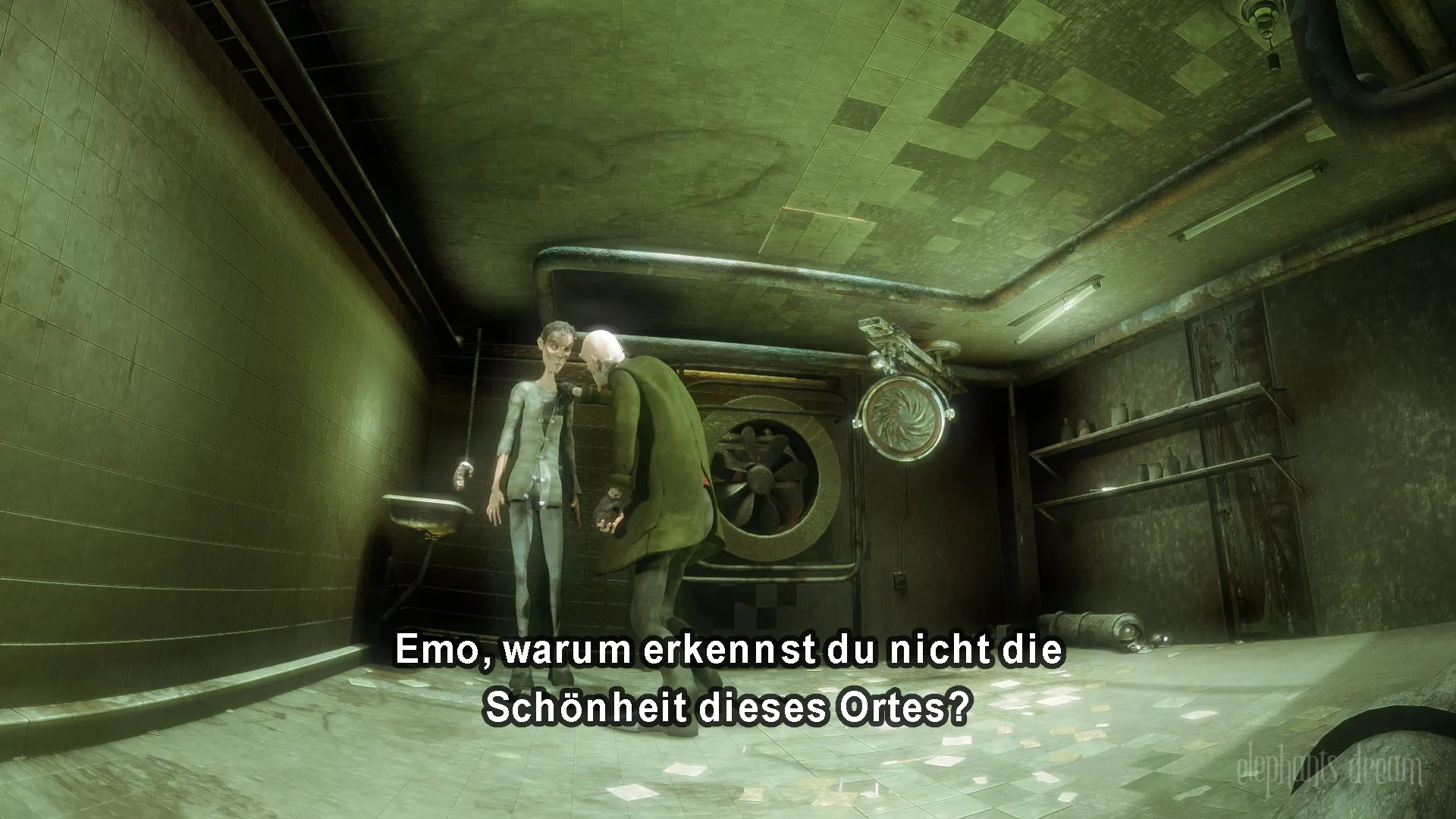

Subtitles on web video are almost always a separate text file, so you can download them on their own or with the video. Players load them as WebVTT or TTML tracks next to the media stream. yt-dlp fetches them with one option, FFmpeg converts them to SRT or embeds them into the file, and Subtitle Edit fixes timing or text by hand. This guide covers the formats and the commands, for videos you own, openly licensed videos or videos you have permission to keep.
Which subtitle formats will I meet?
| Format | Extension | Defined by | Styling | Where you meet it |
|---|---|---|---|---|
| SubRip | .srt |
De facto convention, no formal standard | Minimal | Everywhere: players, TVs, editors |
| WebVTT | .vtt |
W3C | Positioning, basic styling | HTML5 video, most streaming players, HLS |
| TTML / IMSC | .ttml, .xml, .dfxp |
W3C | Rich | Broadcasters, DASH streams |
| Advanced SubStation Alpha | .ass, .ssa |
Community format | Very rich (fonts, karaoke, positioning) | Fansubs, anime, MKV files |
| Timed text in MP4 | inside .mp4 |
3GPP Timed Text | Basic | MP4 files with soft subtitles |
A minimal SRT file looks like this:
1
00:00:01,000 --> 00:00:04,000
Welcome to the lecture.

2
00:00:04,500 --> 00:00:07,200
Today we look at video containers.
WebVTT is close, with a WEBVTT header and a full stop instead of a comma in timestamps. That similarity is why conversion between them is lossless for plain text.
How do I list and download subtitles with yt-dlp?
# See which subtitle languages exist (uploaded and automatic)
yt-dlp --list-subs URL

# Download uploaded English and French subtitles with the video
yt-dlp --write-subs --sub-langs "en,fr" URL

# Subtitles only, converted to SRT
yt-dlp --write-subs --sub-langs "en.*" --convert-subs srt --skip-download URL--write-substakes subtitles provided by the uploader.--write-auto-subsadds machine-generated captions where the site offers them.--sub-langsaccepts a comma-separated list and regular expressions (en.*matchesen,en-GB,en-US).alltakes every language;all,-live_chatexcludes chat replays.--sub-formatexpresses a preference such assrt/vtt/best;--convert-subs srtconverts after download with FFmpeg.--embed-subswrites them into the video container as selectable tracks.
See the full yt-dlp guide for output templates and config files.
How do I convert VTT to SRT?
ffmpeg -i subtitles.vtt subtitles.srtFFmpeg detects both formats from their extensions. Styling and positioning specific to WebVTT are dropped, because SRT does not support them. Automatic captions from some platforms repeat lines word by word in “roll-up” style; after conversion, Subtitle Edit’s “Merge lines with same text” and “Fix common errors” tools clean that up.
Should subtitles be embedded, sidecar or burned in?
| Method | How | Can be switched off | Best for |
|---|---|---|---|
| Sidecar file | video.mkv + video.en.srt with the same base name |
Yes | Editing, translation, search |
| Soft (embedded track) | Stored inside MKV or MP4 | Yes | Archiving, multi-language files |
| Hard (burned in) | Drawn into every frame | No | Devices that ignore subtitle tracks, social media clips |
Embedding into MKV keeps the format unchanged; MP4 needs conversion to its timed-text format:
# MKV: copy everything, add an SRT track tagged as English
ffmpeg -i video.mkv -i subs.en.srt -map 0 -map 1 -c copy \
       -metadata:s:s:0 language=eng video_subbed.mkv

# MP4: same idea, subtitle converted to mov_text
ffmpeg -i video.mp4 -i subs.en.srt -map 0 -map 1 -c copy -c:s mov_text \
       -metadata:s:s:0 language=eng video_subbed.mp4
Burning in requires re-encoding the video, so do it on a copy:
ffmpeg -i video.mp4 -vf "subtitles=subs.en.srt" -c:a copy burned.mp4The subtitles filter depends on libass, which standard FFmpeg builds include. More on container differences in MP4 vs MKV vs WebM.
Can I use subtitles for search and study?
Yes, and it is one of the most useful things to do with them. A folder of SRT files can be searched with any text tool to find the exact moment a word is spoken, which is invaluable when you study lectures offline or review recordings for research. Plain-text transcripts are also easy to quote with a timestamp. Keep in mind that automatic captions misspell names and technical terms; check the passage against the audio before quoting.
Are subtitles covered by copyright?
Usually, yes. A subtitle track is a text derived from the dialogue and often a translation, which is itself a protected work. The rules that apply to the video apply to its subtitles: fine for your own content, for public-domain works and for openly licensed material (check whether the licence covers the subtitles too; see Creative Commons for video), and for personal use where your country’s exceptions allow it. Redistributing someone else’s subtitles requires permission.
How do I extract subtitles from a file I already have?
If a video already contains text subtitle tracks, FFmpeg can pull them out without touching the picture. List the tracks first, then extract the one you want:
ffprobe -v error -select_streams s -show_entries stream=index,codec_name:stream_tags=language -of csv=p=0 video.mkv
ffmpeg -i video.mkv -map 0:s:0 subtitles.srt
0:s:0 means the first subtitle track of the first input; change the last number for another track. This works for text formats such as SubRip, WebVTT, ASS and MP4’s mov_text. Image-based subtitles, such as PGS on Blu-ray or VobSub on DVD, are pictures of text: converting them to SRT needs optical character recognition, which Subtitle Edit provides.
How do I add or burn subtitles with FFmpeg?
To add an SRT as a selectable track without re-encoding, use the right subtitle codec for the container:
# MKV accepts SRT as is
ffmpeg -i video.mkv -i subs.srt -map 0 -map 1 -c copy out.mkv
# MP4 needs the mov_text format
ffmpeg -i video.mp4 -i subs.srt -map 0 -map 1 -c copy -c:s mov_text out.mp4
To burn subtitles permanently into the picture, for a device that ignores subtitle tracks, the video must be re-encoded:
ffmpeg -i video.mp4 -vf subtitles=subs.srt -c:a copy burned.mp4Burning requires an FFmpeg build with the libass library, which most distributed builds include. Keep the original file: burned subtitles cannot be removed or corrected later.
Quick troubleshooting
- No subtitles found: run
--list-subs; the language code may been-USrather thanen. - Duplicated lines after conversion: roll-up automatic captions; clean them in Subtitle Edit.
- Embedded track not shown: enable it in the player menu, or set it as default with
-disposition:s:0 default. - Characters garbled: the SRT file is not UTF-8; re-save it as UTF-8 in Subtitle Edit or a text editor.
Open-source tools in this guide
| Tool | Licence |
|---|---|
| yt-dlp | Unlicense (public domain) |
| FFmpeg | LGPL 2.1+ (some builds GPL) |
| Subtitle Edit | MIT |
Frequently asked questions
How do I download only the subtitles, not the video?
Add --skip-download to your yt-dlp command: yt-dlp --write-subs --sub-langs en --skip-download URL. yt-dlp saves the subtitle file next to where the video would have been, using the same output template.
What is the difference between subtitles and closed captions?
Subtitles transcribe or translate dialogue for viewers who can hear. Closed captions, and subtitles for the deaf and hard of hearing (SDH), also describe sounds, music and speaker changes. On web platforms both are usually delivered in the same file formats.
Are automatic captions reliable?
They are produced by speech recognition and contain errors, especially with names, accents, technical vocabulary and overlapping speech. They are useful for search and rough understanding, but should be reviewed before being quoted, published or used as evidence.
Why are my subtitles out of sync?
The subtitle file was made for a different cut or frame rate, or the video has an intro that the subtitles do not account for. Subtitle Edit can shift or stretch timings, and FFmpeg's -itsoffset option can offset a subtitle input when embedding.
Can MP4 files contain SRT subtitles?
Not as SRT directly. MP4 stores text subtitles in its own timed text format, so FFmpeg converts SRT with -c:s mov_text when embedding. MKV accepts SRT, ASS and WebVTT as they are.
Sources and open data
- WebVTT: The Web Video Text Tracks Format · W3C
- Timed Text Markup Language 2 (TTML2) · W3C
- yt-dlp README: subtitle options · yt-dlp project
- FFmpeg filters documentation (subtitles filter) · FFmpeg project
Related guides
- MP4 vs MKV vs WebM
Container or codec? What MP4, MKV, WebM and MPEG-TS can hold, which one to keep for a downloaded video, and how to switch containers without quality loss.
- yt-dlp guide
A practical yt-dlp guide: install and update it safely, pick formats with -f and -S, name files, grab subtitles and keep a download archive.
- FFmpeg for video files
FFmpeg commands for downloaded video: merge separate audio and video, remux TS to MP4 without quality loss, cut clips, join parts and convert only when needed.
- Lectures offline
Watch university lectures offline legally: MIT OpenCourseWare course packages, CC BY-NC-SA rules, official video downloads and a tidy offline library.
- Creative Commons for video
The six Creative Commons licences, CC0 and the Public Domain Mark applied to video: what you may download, edit and publish, and how to credit correctly.