How to download lectures for offline study, legally
Key takeaways
- MIT OpenCourseWare publishes its course materials under the Creative Commons Attribution-NonCommercial-ShareAlike 4.0 licence (CC BY-NC-SA 4.0), which allows copying for non-commercial use with attribution.
- Each MIT OCW course has a Download course option that produces a zip package of the course site; according to MIT's help pages, video files are not included in the zip and are downloaded separately.
- Material in a course can carry its own rights: third-party content and items marked otherwise are excluded from the open licence.
- Paid MOOC platforms usually allow offline viewing only inside their own apps, and their terms often forbid other downloads.
- A clear folder structure with the licence file stored next to each course keeps an offline library usable and compliant.
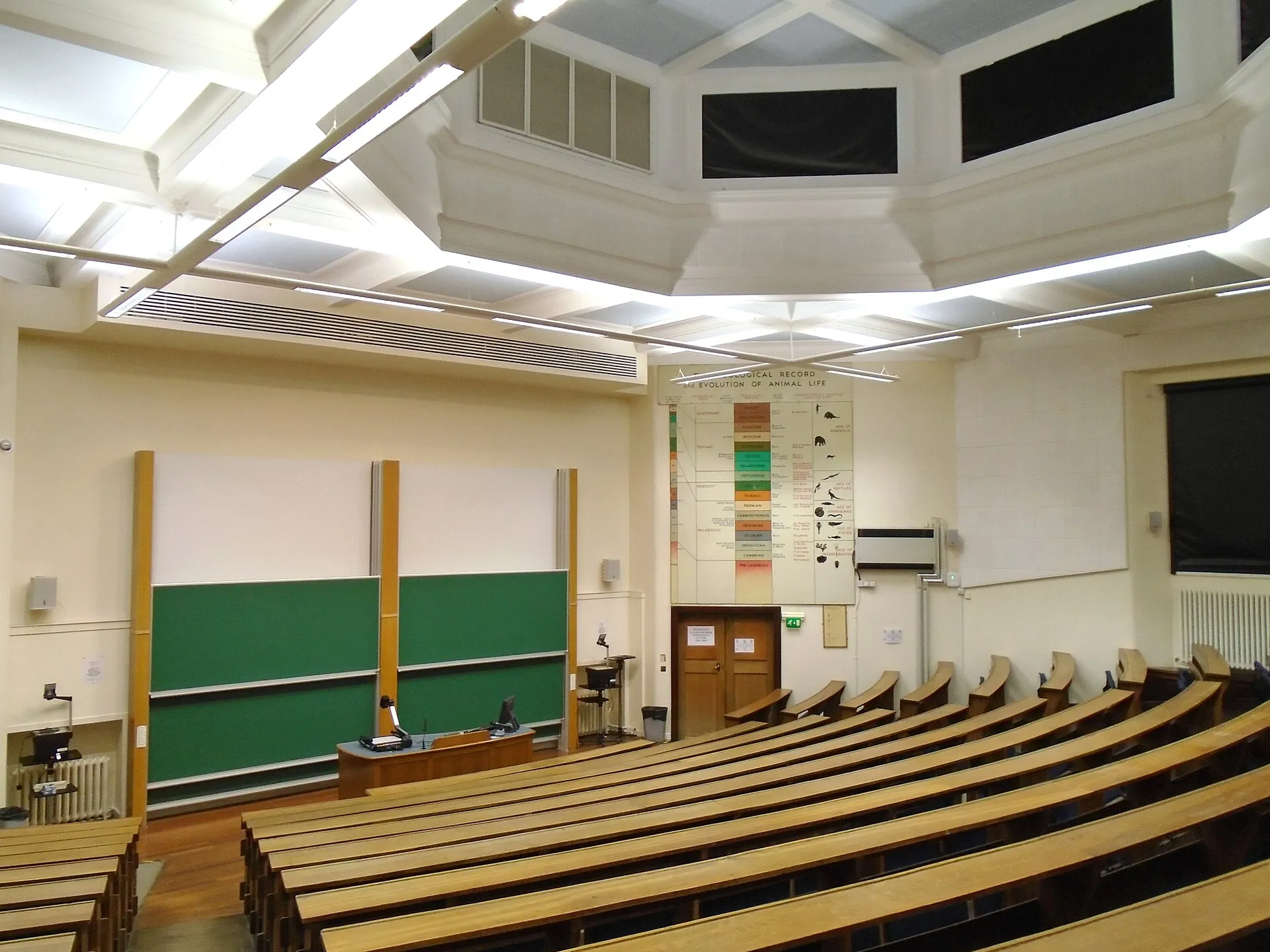

To study offline legally, start with open courseware: MIT OpenCourseWare and similar programmes publish lectures under licences that explicitly allow downloading and copying for non-commercial use. MIT OCW even provides a “Download course” package for each course, with videos available as separate files. For commercial platforms, use their built-in offline mode, because their terms usually forbid anything else.
Which lecture videos can I download legally?
The licence decides. Three cases cover most situations:
| Source | Typical licence | Offline download |
|---|---|---|
| MIT OpenCourseWare | CC BY-NC-SA 4.0 | Allowed, non-commercial, with attribution |
| Other open courseware and university channels | Often a Creative Commons licence, check each course | Allowed when the licence is open |
| Commercial MOOCs and paid courses | All rights reserved, platform terms | Usually only through the official app |
Open licences are explained in detail in our Creative Commons guide. The key point is that the NC (NonCommercial) and SA (ShareAlike) conditions travel with the copy: you can keep and share it, but not sell it, and derivatives must use the same licence.
What does the MIT OCW licence allow?
MIT’s terms of use state that OCW materials are licensed under Creative Commons Attribution-NonCommercial-ShareAlike 4.0 International. That allows you to download, copy, share and adapt the material for non-commercial purposes, as long as you credit MIT OpenCourseWare and keep the same licence for adaptations.
The terms also note limits: the licence does not cover elements in the public domain or uses already allowed by law, and publicity, privacy or moral rights can restrict some uses. Third-party content embedded in a course may be marked as excluded. If an item carries a different notice, that notice wins.
How do I download a whole MIT OCW course?
- Open the course page on ocw.mit.edu.
- Choose Download course.
- Download the zip package of the course site.
- Extract it and open
index.htmlin a browser. PDFs and other files sit in the resource folders of the package.
According to MIT’s support pages, the zip contains the same pages and files as the online course except the videos, and some special content such as applets is not included. The package is designed for computers, not phones or tablets.
How do I get the lecture videos?
MIT explains two official routes: the video files listed on the course download page, or the download link under each video player. For a full course with dozens of lectures, the download page is the faster route.
If a course’s lecture videos are also published on a public video channel under the same open licence, yt-dlp can fetch the playlist in one go and keep it organised:
yt-dlp -S "res:720" \
       --write-subs --sub-langs "en.*" --embed-subs \
       -o "%(playlist_title)s/%(playlist_index)02d - %(title)s.%(ext)s" \
       PLAYLIST_URL
-S "res:720"prefers 720p, plenty for slides and blackboards, and saves disk space.- Subtitles help with technical vocabulary; see the subtitles guide.
- The numbered output keeps lectures in teaching order.
What about other open education sources?
Many universities and foundations publish open courses, and organisations such as Open Education Global list open education initiatives. The same method applies everywhere:
- Find the licence statement on the course or site (often in the footer or “terms of use”).
- Prefer the official download link or package.
- Save the licence text with the files.
Public-domain educational films, such as government training films or historical documentaries, are another rich source. Our guides to the Internet Archive and the US National Archives show where to find them.
What about Coursera, edX, Udemy or LinkedIn Learning?
These platforms sell or license courses and control distribution through their terms of service. Most provide an offline mode in their mobile apps, with files stored in an encrypted or app-only format. That is the route to use. Downloading with external tools usually breaches their terms, and protected videos may be encrypted with DRM, which you must not circumvent (see why DRM videos cannot be downloaded).
Some instructors also publish their lectures openly elsewhere. When in doubt, ask: teachers are often happy to share materials for study.
How do I organise an offline course library?
A good structure saves time when the internet is down and you need lecture 7:
Courses/
  MIT 18.06 Linear Algebra/
    LICENSE.txt          (copy of the licence statement + source URL)
    site/                (extracted course zip, open index.html)
    videos/
      01 - The geometry of linear equations.mp4
01 - The geometry of linear equations.en.vtt- Store the licence and source URL with each course: it proves where the material came from.
- Keep subtitles next to the video with the same base name; VLC and most players load them automatically.
- Use VLC for playback: it plays almost every format and resumes where you stopped.
- For whole reference websites, Kiwix reads offline ZIM archives (Wikipedia, Wiktionary and others), a useful complement for studying without a connection.
How do I study effectively from an offline library?
Downloading is the easy part; the course still has to be followed. A few habits make offline study work:
| Habit | Why it helps |
|---|---|
| Download the problem sets and solutions with the videos | You can practise immediately after each lecture, without a connection |
| Watch at 1.25x or 1.5x in VLC, slow down for derivations | Saves time on familiar material without losing hard passages |
| Keep a notes file per lecture, named like the video | Notes stay linked to the source and are easy to search |
| Note the lecture timestamp next to each question | You can jump straight back to the passage later |
| Sync the library to a second device | A phone copy lets you review on the move |
If you share the library with a study group, the licence travels with it: keep the attribution file in each course folder and do not charge for copies, as the NC condition requires.
On a slow or metered connection, read our guide to offline video on low bandwidth for size-saving settings.
How much storage does an offline course need?
Plan the disk space before downloading a full programme. The figures below are rough orders of magnitude for one hour of lecture video, because real sizes depend on the encoder and on how much the picture moves:
| Resolution | Typical use | Rough size per hour |
|---|---|---|
| 360p | Slides and a talking head on a phone | a few hundred MB |
| 720p | Laptop viewing, readable slides | around 0.5 to 1 GB |
| 1080p | Large screens, small handwriting on boards | 1 GB or more |
For most lectures 720p is the sweet spot: slides stay legible and a semester-long course fits on a small USB drive. If storage is tight, our guide to offline viewing on low bandwidth explains how to pick lower resolutions and efficient codecs.
What if a course download fails?
- Some videos are missing. Course pages sometimes link videos hosted elsewhere; download those from the hosting page and check its licence separately.
- The ZIP package has no video. Some course packages exclude large media files to stay small; get the videos from the course’s video pages instead.
- Subtitles are out of sync. Re-download the transcript in another format, or fix the offset in a subtitle editor, as described in our subtitles guide.
Checklist
- Confirm the licence of the course (CC BY-NC-SA for MIT OCW).
- Download the course package, then the videos from the official links.
- Keep subtitles, licence and source URL with the files.
- Use the material non-commercially and credit the source when sharing.
- For paid platforms, stick to the official offline mode.
Open-source tools in this guide
| Tool | Licence |
|---|---|
| yt-dlp | Unlicense (public domain) |
| VLC media player | GPL 2.0+ / LGPL 2.1+ |
| Kiwix | GPL 3.0 |
Frequently asked questions
Can I download MIT OpenCourseWare videos?
Yes. MIT OCW material is published under CC BY-NC-SA 4.0, and MIT's help pages explain that course videos can be downloaded from the course download page or from the link under each video player. Keep the attribution and use them non-commercially.
Why are the videos missing from the course zip?
MIT's support pages state that the zip package contains the course site's pages and files except the video files, which are large and downloaded separately. Some special content, such as applets, is also only linked.
Can I share downloaded open courseware with classmates?
Under CC BY-NC-SA you may share copies for non-commercial purposes, with attribution to the source and under the same licence. Third-party content inside a course can be excluded, so check notices on individual items.
Can I download Coursera or Udemy videos with yt-dlp?
Commercial course platforms usually provide offline viewing inside their apps and forbid other downloads in their terms. Use the official offline feature, or ask the instructor whether materials are openly licensed.
What player should I use for an offline course library?
VLC plays almost every format, remembers playback position and can load subtitle files placed next to the video. For a whole website offline, Kiwix reads ZIM archives such as offline Wikipedia.
Sources and open data
- MIT OpenCourseWare: privacy and terms of use (CC BY-NC-SA 4.0) · MIT OpenCourseWare
- Can I download course materials from MIT OpenCourseWare? · MIT Learn support
- Attribution-NonCommercial-ShareAlike 4.0 International · Creative Commons
- Open Education Global · Open Education Global
Related guides
- Creative Commons for video
The six Creative Commons licences, CC0 and the Public Domain Mark applied to video: what you may download, edit and publish, and how to credit correctly.
- Offline on low bandwidth
Watch videos offline on a slow or metered connection: official offline modes, 480p downloads with yt-dlp, efficient codecs, audio-only and a data budget.
- Subtitles SRT / VTT
Download subtitles and captions with yt-dlp, convert WebVTT to SRT with FFmpeg, embed or burn them in, and understand SRT, VTT, TTML and ASS formats.
- yt-dlp guide
A practical yt-dlp guide: install and update it safely, pick formats with -f and -S, name files, grab subtitles and keep a download archive.
- Internet Archive
How to download videos from the Internet Archive legally: find public-domain films, read the licence field, and bulk-download with the official ia CLI.